Last updated: November 20, 2026
Quick Answer: if a teen bank account is restricted, the usual first steps are to check the bank app, contact support, and involve a parent or guardian; many banks also ask for a document or verification step before lifting the hold. What Teens Should Do If Their Teen Bank Account Is Temporarily Restricted is to act the same day, not wait. The steps below show what to send, what documents to gather, and what to expect next.
Key Takeaways
- A restriction usually means the bank needs a check, not that the account is closed.
- The fastest fix is often support plus the missing document or verification step, once the bank identifies the issue.
- A parent or guardian may need to confirm the teen’s identity or approval.
- The bank app may show a message, but support can explain the exact hold.
- Waiting without replying usually slows the release.
What a temporary restriction on a teen bank account means
A temporary restriction means the bank has put a pause on some or all account activity while it checks something. That can affect card use, transfers, or deposits, but it does not always mean the account is gone. The point is to stop activity until the bank gets what it needs.
Picture this: you open the bank app and see a notice that your teen bank account is restricted. You can still log in, but a debit card payment fails or a transfer won’t go through. That’s the moment to stop guessing and look for the bank’s message. The hold is often fixable.
A teen account can be restricted for a few common reasons:
- The bank needs identity documents.
- A parent or guardian has to confirm something.
- The bank saw unusual activity.
- A verification request expired.
- A form or upload was started but never finished.
The exact cause matters because the fix changes with it. A missing school ID is not the same as a fraud check, and a parent approval step is not the same as a card issue. If the account is part of a family banking setup, one adult’s action may be the last thing standing between you and full access.
The best first move is usually to read the message in the bank app, then check email or text alerts from the bank. If the note says “verify,” “upload,” “review,” or “contact us,” that is your clue. If it gives no reason, support can usually tell you what triggered the hold.
What should a teen do first?
A teen should open the bank app, save the notice, and contact bank support the same day. Don’t wait a week hoping it clears on its own; many holds stay in place until the bank gets a reply. A quick call or secure chat can often get the reason in plain language; if the issue is unclear, consider asking the bank for the exact next step or a branch appointment. See the Consumer Financial Protection Bureau’s guidance on bank account holds and account issues: https://www.consumerfinance.gov/consumer-tools/bank-accounts/.
Here’s the catch: the bank may not be able to discuss every detail unless a parent or guardian is also on the account. That’s normal for teen banking products. If the support rep says they need the adult on the line, add them before the call ends.
- Check the app message. Look for the reason, the deadline, and any file upload link. If the note includes a case number, save it.
- Look at email and SMS. Banks often send the request there too, sometimes with a 7-day or 14-day deadline.
- Gather your documents. Keep a school ID, birth certificate, passport, or other identity document ready if the bank asks for one.
- Contact bank support. Use the phone number, secure chat, or in-app help listed by the bank, not a random number from a search result.
- Add your parent or guardian. If the account rules require adult confirmation, get them on the call or in the chat.
- Ask what happens next. Find out whether the hold lifts after review, after upload, or after the adult responds.
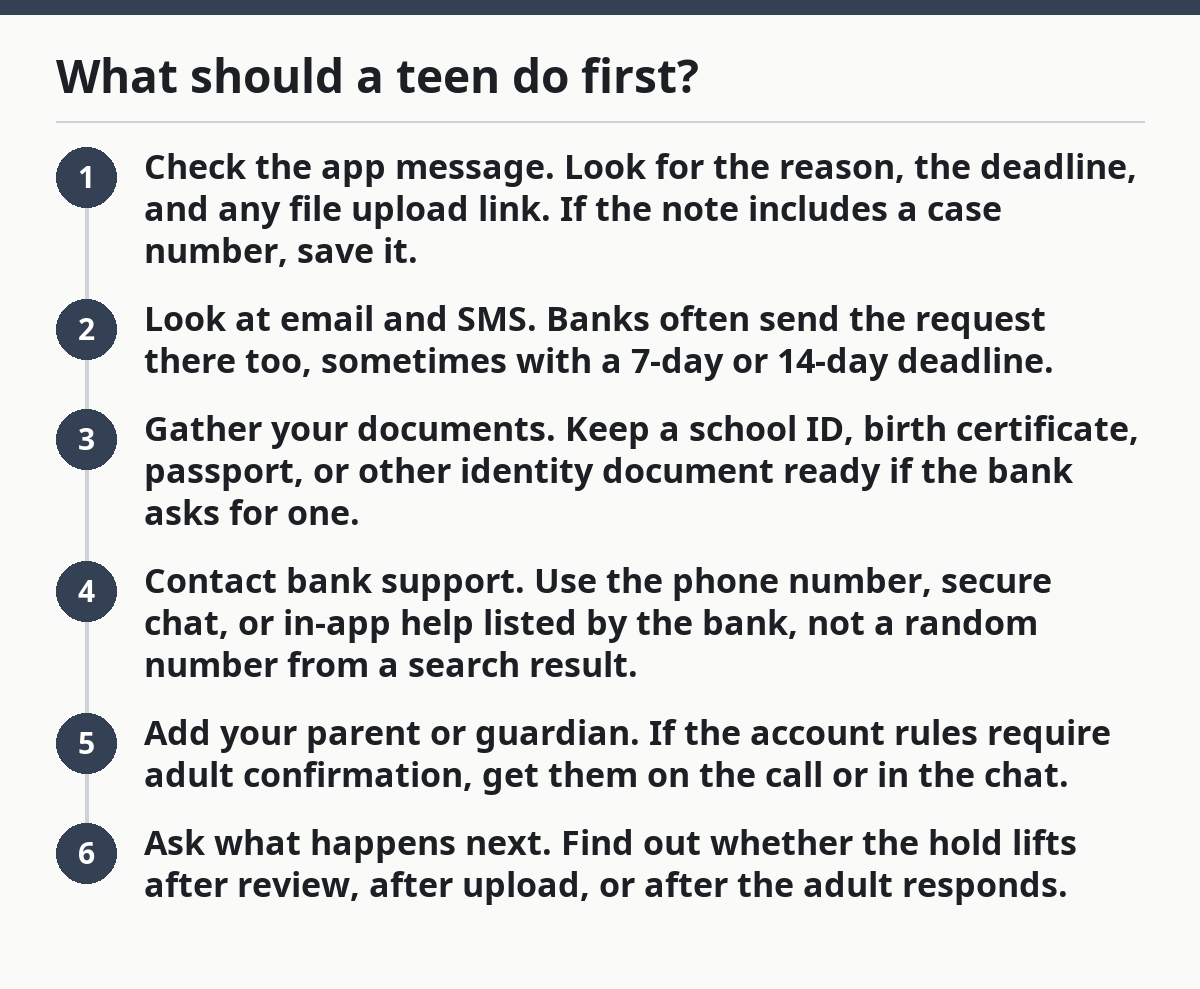
The goal is to turn a vague restriction into one specific task. If the bank needs a photo of an ID, send it. If it needs the adult to approve access, do that. If it needs both, handle both in the same session.
What documents might the bank ask for?
A bank may ask for identity documents, account paperwork, or proof that the teen and parent or guardian are tied to the same account. The request usually comes through the bank app, email, or a secure message, and it often gives a file type such as JPG, PNG, or PDF. For official identity-document guidance, see the FTC: https://www.identitytheft.gov/.
Picture this: you’re ready to upload a document, but the bank’s message only says “verification needed.” That’s too vague to guess from. Ask for the exact document list before you send anything, because the wrong upload can waste another 24 hours.
Common requests include:
- A school ID or government ID
- A birth certificate or passport
- Proof of address if the bank asks for it
- A parent or guardian ID
- A signed consent form
- A clear selfie or video selfie for identity matching
Banks ask for these things because teen accounts often have age limits and adult involvement rules. If the name, birth date, or parent link does not match what’s on file, the account can stay restricted until the mismatch is fixed. That’s especially common when the account was opened online and the upload was blurry, cropped, or incomplete.
A few mistakes slow things down fast:
- Blurry photos lead to another request.
- Cropped IDs can hide the expiration date or full name.
- Uploading the wrong side of a card can fail review.
- Sending a document through regular email can be rejected for security reasons.
If the bank gives you an upload tool, use it. If the bank says to bring documents to a branch, do that instead of trying to force the issue through chat. The quickest path is the one the bank asked for, not the one that feels easiest.
How a parent or guardian fits into the fix
A parent or guardian often has to answer the bank’s question before the restriction lifts. On teen accounts, adult approval is part of the setup, so the bank may need the parent to confirm identity, consent, or account access before anything moves. If that is the case, the teen and adult should act together rather than separately.
The truth is, a teen can do the prep work, but the adult may be the one who finishes the job. If the bank says the account needs guardian review, don’t keep sending the same file from the teen’s side alone. That usually just adds delay.
Common parent or guardian tasks may include the following, depending on the bank’s rules and, if needed, advice from bank support:
- Confirming the teen is the account holder
- Uploading the adult’s own ID
- Approving a bank message or form
- Calling support with the teen
- Checking whether the account settings still match the teen’s age and status
A parent should use the bank’s official phone line or secure message center, not a social media DM or a random number. If the bank has a family banking section in the app, that is usually the best place to look for the next action. Some banks keep the adult and teen views separate, so both people may need to check their own screens.
If the restriction came from a missed verification deadline, the adult should ask whether the request can be reopened. If it came from suspicious activity, the adult should ask whether the bank needs a new card, a new login check, or a branch visit. The fix changes by reason.
What to say when you contact bank support
You should give bank support the account name, the restriction message, and the last time the account worked normally. That makes it easier for the rep to find the hold and tell you what to send next.
Picture this: you’re on the phone, and the rep asks for basic details while a parent sits nearby with the account email open. That’s the right setup. Short, exact facts beat a long story.
Say this kind of thing:
- “My teen bank account is temporarily restricted.”
- “The bank app shows a verification request.”
- “I have the teen account holder and a parent or guardian here.”
- “We can upload documents today.”
- “Can you tell us the exact next step and deadline?”
Bring the following with you:
- The account number or the last four digits, if the bank asks for them
- The exact message from the bank app
- A charged phone for secure chat or verification codes
- The documents the bank requested
- A pen and paper for the case number
If the first person can’t fix it, ask for a case number and the team that handles account restrictions. That keeps you from repeating the same explanation from scratch. It also helps if you need to call back later the same day.
A good support call should end with one clear answer: what the bank needs, where to send it, and how long review usually takes. If the rep can’t answer those three things, ask again before hanging up.
What if the restriction does not clear right away?
If the restriction does not clear right away, keep following up through the bank’s support channel and recheck the app for a new request. Most delays come from one missing piece, not from a permanent problem, but the bank still controls the timeline.
Now, you might be wondering whether to keep trying purchases or transfers. Don’t keep testing the account over and over. Each failed attempt can muddy the picture and may create more alerts. One clean follow-up is better than ten retries.
Use this order:
- Confirm the bank received your document upload.
- Ask whether the case is still under review.
- Check whether a parent or guardian still needs to act.
- Ask whether the restriction affects deposits, withdrawals, or both.
- Get the next check-in time, if the bank gives one.
If the bank says the account needs a branch visit, plan for that with the adult who is on the account. Bring the same identity documents you uploaded, because branch staff often need to see the originals. If the bank says the restriction is tied to a fraud review, keep the account details private and follow the bank’s instructions exactly.
This page sits under the Teen Banking Account Safety and Access hub because access problems often connect to other account safety steps. The hub can point you to the right next topic without guessing.
What to avoid while the account is restricted
You should avoid guessing, resubmitting random files, or using the account like nothing happened. Those moves waste time and can make the review harder for bank support to untangle.
Picture this: you’re frustrated, so you try the debit card again, resend the same blurry ID, and message support from three places. That feels active, but it usually slows things down. One clean response is better than scattered effort.
Avoid these mistakes:
- Uploading a screenshot instead of the actual document
- Sending a cropped photo with missing corners
- Ignoring a request because the deadline looks short
- Letting the parent or guardian assume the teen handled it
- Trying to solve the issue only inside the app when support asked for a call
A temporary restriction is a paperwork and support problem first. Treat it that way. If the bank wants a document, give the document. If it wants adult confirmation, involve the adult. If it wants a branch visit, make the visit. The more direct the response, the faster the account usually returns to normal use.
Why do teen accounts get restricted?
Teen accounts get restricted when the bank needs to check identity, adult approval, or account activity. A missing document, a failed verification step, or unusual use of the debit card can all trigger a temporary hold. The bank app or support team usually knows the reason even when the message is brief.
Can a teen still receive deposits during a restriction?
A teen may still receive deposits during a restriction, but not always. Some holds block only card spending or withdrawals, while others pause most account activity until the bank finishes review. The bank support team can tell you which part of the account is limited.
What documents might the bank ask for?
The bank might ask for a school ID, government ID, passport, birth certificate, parent or guardian ID, or a signed consent form. It may also ask for a clear photo, selfie, or proof of address, depending on the account setup. Send only what the bank requests and use the upload path it gives you.
Drafted with AI; not yet reviewed by a person.