Last updated: November 19, 2026
Key Takeaways
- You need the check, the teen’s account, and bank access through an app, ATM, or branch.
- Teens endorse a check by signing the back where the bank expects it.
- If the bank app supports it, mobile deposit is often the quickest option.
- If the check is large, the app rejects the images, or the bank sets a mobile limit, use a branch or ATM.
To deposit a check into a teen bank account, the teen usually signs the back of the check, then deposits it through the bank app, an ATM that accepts checks, or a branch teller. In most cases, how to deposit a check into a teen bank account depends on the bank’s endorsement rules, mobile deposit limits, and any hold the bank places on the funds.
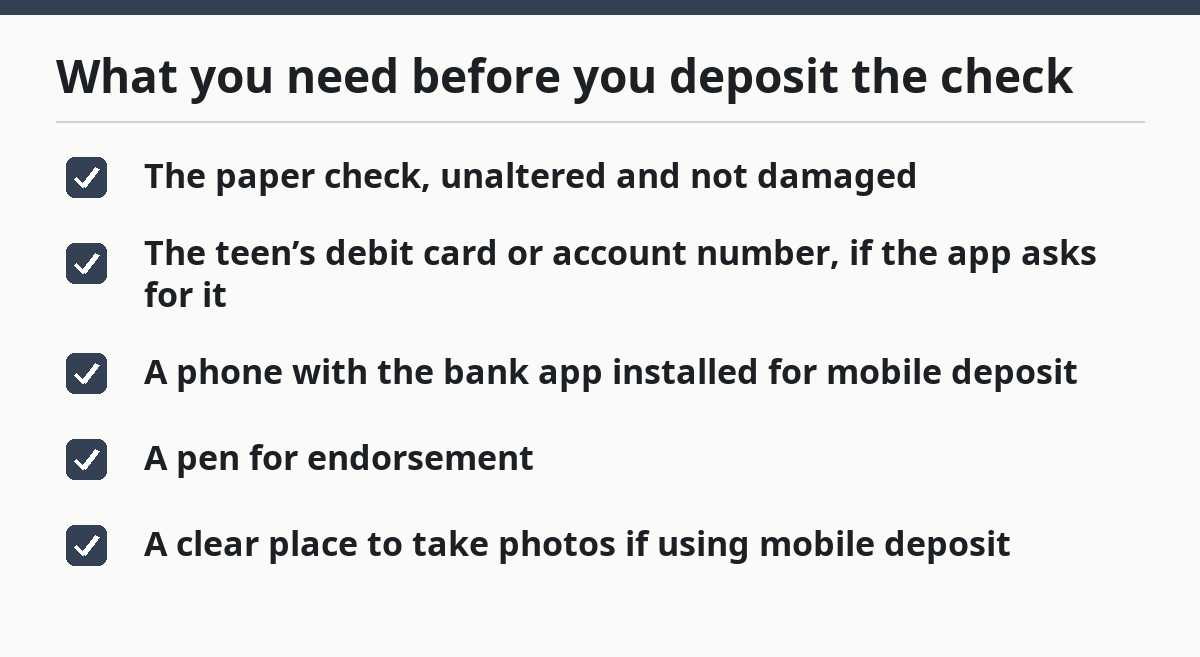
What you need before you deposit the check
You need the check itself, the teen’s bank account, and the bank’s app or branch access. Most banks also require the account holder’s name to match the payee on the check, so the first job is to confirm the check is made out to the teen and not to someone else.
Have these items ready before starting:
- The paper check, unaltered and not damaged
- The teen’s debit card or account number, if the app asks for it
- A phone with the bank app installed for mobile deposit
- A pen for endorsement
- A clear place to take photos if using mobile deposit
If the check was written to a parent or another adult, do not assume it can go into the teen’s account. Some banks allow third-party checks only in limited cases, and some refuse them outright. That is one of the most common reasons a deposit gets rejected.
If the account is a teen checking account linked to a parent or guardian, the bank may still treat it like a standard checking account for deposit purposes; if the setup is unclear, check the bank’s deposit rules or ask the bank directly. The difference is usually who can access the account, not the mechanics of the check deposit itself. For account setup questions, the hub on teen banking and spending accounts is the better place to start, and the Consumer Financial Protection Bureau also explains that youth account features vary by bank. Teen banking and spending accounts and CFPB youth accounts guide.
How do teens endorse a check?
Teens endorse a check by signing the back exactly where the bank expects the signature. A clean endorsement is the difference between a deposit that moves through in minutes and one that gets kicked back for correction.
Here is the usual order:
-
Turn the check over and find the endorsement area.
The endorsement box is usually the top 1.5 inches of the back of the check. When it works, you should see a blank space with faint “Do not write below this line” text lower down. -
Write the teen’s signature in the endorsement area.
The signature should match the name on the front of the check. If the bank app or branch asks for a restrictive endorsement, add “For mobile deposit only” or the bank’s exact wording. When it works, the back looks signed but not crowded. -
Add any extra wording the bank requires.
Some banks want the account number written under the signature for branch deposits or ATMs. Others do not want that at all. Follow the bank’s wording, not a generic rule, because one extra line can cause a rejection. -
Keep the endorsement neat and within the lines.
Avoid writing over the magnetic ink line or across the face of the check. When it works, the check still scans cleanly and the photos remain readable.
A common mistake is signing before checking the bank’s mobile deposit instructions. That can cost time if the app requires “For mobile deposit only” or if the bank wants the check held for 24 hours before disposal. If the teen is unsure, the safer move is to sign only after opening the deposit screen and reading the instructions there.
How to deposit a check with the bank app
When the bank app supports it, mobile deposit is often the quickest way to deposit a check into a teen bank account. In many cases, the deposit can be submitted in under 5 minutes, though the money may still be subject to a hold.
Follow the app flow in this order:
-
Open the bank app and sign in to the teen’s account.
Use the teen’s login, not a parent’s login unless the bank clearly allows shared access. When it works, the app lands on the account summary page. -
Find the mobile deposit option.
This is often labeled “Deposit Checks,” “Mobile Deposit,” or “Check Deposit.” When it works, the app opens a camera screen or deposit form. -
Choose the account that should receive the money.
If the teen has more than one account, select the correct one before taking photos. When it works, the app shows the last four digits or account nickname. -
Enter the check amount exactly as printed.
Enter the amount exactly as printed on the check, including cents. If the check is for $42.18, enter $42.18. When it works, the amount shown in the app matches the check line by line. -
Photograph the front and back of the check.
Place the check on a dark, flat surface with good light. The whole check should fit in frame, with all four corners visible. When it works, the app accepts the image without blur or cropping warnings. -
Review the deposit and submit it.
Check the payee, amount, and account one more time. When it works, the app gives a confirmation number or an on-screen receipt. -
Write “deposited” on the check and keep it until cleared.
Many banks ask customers to hold the original check for 7 to 14 days after mobile deposit. That helps reduce the chance of depositing the same check twice. When it works, the teen has proof if the bank later needs to review the item.
Mobile deposit is convenient, but it is not automatic approval. Banks can set lower limits for teen accounts, especially for first-time mobile deposits. If the amount is above the app’s limit, the bank will usually reject the attempt and tell the user to use a branch or ATM instead. The Federal Deposit Insurance Corporation notes that banks may set their own funds-availability policies, so check the bank’s terms before relying on instant access. FDIC deposit insurance and funds availability.
How to deposit a check at a branch or ATM
A branch deposit is often the best fallback when the check is large, the app rejects the images, or the bank sets a mobile limit on the teen account. An ATM deposit is a middle ground: faster than a teller visit, but less forgiving if the check is folded, unsigned, or hard to read.
For a branch deposit:
- Bring the endorsed check and the teen’s debit card or account number
- Go to a teller window and ask for the deposit to the teen checking account
- Hand over the check and confirm the account name before the teller processes it
- Keep the receipt, especially if the deposit amount is near the bank’s hold threshold
For an ATM deposit:
- Insert the debit card or use the ATM method the bank requires
- Select deposit, then choose check deposit
- Follow the screen prompt to insert the check or envelope
- Keep the receipt until the deposit shows in the account
The branch method is best when the check is unusual: a starter check, a business check, a check with two payees, or one with handwriting that the app may not read well. The cost is time, since branch hours are limited. An ATM saves a trip inside, but it can be less flexible if the machine jams or the deposit needs manual review.
Do not choose an ATM if the check has staples, tears, or heavy folds. A damaged check is more likely to fail the scanner. In that case, a teller can usually inspect it directly and tell you whether the bank will accept it.
What happens after the deposit: holds, limits, and timing
The deposit usually shows up quickly in the account, but available funds and posted funds are not always the same thing. A bank can accept the deposit today and still place part or all of it on hold for 1 to several business days.
Here is what usually matters:
- Deposit limits: Teen accounts often have lower mobile deposit limits than adult accounts
- Hold times: A bank may delay access to some or all of the money
- Review flags: A first deposit, a large amount, or a blurry image can trigger manual review
- Cutoff time: Deposits made after the bank’s daily cutoff may count as the next business day
The hold is not a sign that something is wrong. It usually means the bank wants time to verify the check. That said, a hold can matter if the teen needs the money for an immediate expense, such as school fees or a ride home. If the deposit is for a time-sensitive payment, ask the bank before submitting the check.
Because banks set different policies, one bank may release a small check the same day, while another may hold a similar deposit until the next business day or longer. The safest move is to check the bank’s mobile deposit terms before relying on the funds.
If the app shows “pending,” the deposit has likely been received but not fully cleared. If it shows “rejected,” the bank did not accept it, and the check will need to be corrected and submitted again.
Common problems that stop a teen check deposit
Most failed deposits come from a few predictable mistakes, and each one has a fix. The mistake is usually small; the delay is what hurts.
-
Wrong endorsement
Cost: the deposit can be rejected outright.
Fix: sign exactly where the bank says, and add “For mobile deposit only” only if required. -
Blurry or cropped mobile photos
Cost: the app cannot read the check, so the submission fails.
Fix: use flat light, keep all four corners visible, and retake the image if the app warns about glare. -
Wrong deposit amount
Cost: the bank may hold the deposit or reverse it after review.
Fix: enter the exact written amount, including cents. -
Depositing the same check twice
Cost: the bank may reverse one deposit and flag the account.
Fix: write “deposited” on the paper check and store it until the bank says it is safe to discard, often 7 to 14 days. -
Trying to deposit a check the teen is not named on
Cost: the bank may refuse it because the account and payee do not match.
Fix: confirm the name on the check before trying mobile deposit or a branch visit. -
Using a deposit method the account does not allow
Cost: a mobile deposit limit or account restriction can block the transfer.
Fix: switch to a branch deposit or ATM deposit if the app will not accept the item.
This is not the place for guesswork. If the bank app gives an error code, read it before retrying. Repeated failed submissions can create more problems than the original check.
Which deposit method is best for a teen account?
The best method is the one the bank supports with the fewest restrictions on the teen’s specific account. For most everyday checks, mobile deposit is the easiest choice; for unusual, large, or problem checks, a branch teller is the better option.
Use mobile deposit when:
- The check is clear and standard
- The bank app accepts teen account deposits
- The amount is within the app limit
- The teen wants to deposit without leaving home
Use a branch when:
- The check is large or the deposit is urgent
- The check is damaged, folded, or hard to read
- The app rejects the image or amount
- A parent or teen wants confirmation from a teller
Use an ATM when:
- The bank’s machine accepts check deposits
- The check is ordinary and easy to scan
- The teen has a debit card and knows the PIN
The trade-off is speed versus certainty. Mobile deposit is quick, but it depends on photo quality and bank rules. A branch takes more time, but it is better for deposits that need a human review. If the teen is depositing a check for the first time, the branch is often the least frustrating option.
For bank-specific rules, the bank’s deposit agreement and mobile deposit FAQ are the documents that matter most. A general banking article cannot override those terms.
Can teens use mobile deposit for checks?
Yes, many teens can use mobile deposit for checks if the bank allows it on the teen account. The app may still set lower limits, require a restrictive endorsement, or block certain check types such as third-party checks. The teen should check the app instructions before taking photos so the first submission is not wasted.
Why is a check deposit on hold?
A check deposit is put on hold because the bank wants time to verify the funds or review the item. A hold can happen after mobile deposit, ATM deposit, or a teller deposit, especially if the amount is larger than usual or the account is new. The bank may release part of the money sooner and the rest later, depending on its policy.
How do teens endorse a check?
Teens endorse a check by signing the back in the space the bank allows and following any wording the bank requires. Some banks also want “For mobile deposit only” written under the signature for app deposits. The endorsement should stay within the top portion of the back so the check remains easy to scan or process at the branch.
Drafted with AI; not yet reviewed by a person.