Last updated: November 20, 2026
Key Takeaways
- You can check a QR code payment request in under a minute without guessing.
- A safe request shows the payer, the amount, and where the money is going.
- Read the confirmation screen first, then approve only if the recipient matches.
- Redirects can change the path before the payment screen appears, so pause if a link jumps pages.
How Teens Can Tell Whether a QR Code Payment Request Is Safe starts with one quick rule: check the name, amount, and destination before you pay. A QR code payment request can be safe, but only if the merchant or person you expected matches the payment destination before you send money. If the name, handle, or payment app does not match, stop. The steps below show how to check the scan, the request, and the destination without guessing.
The fast safety check before you pay
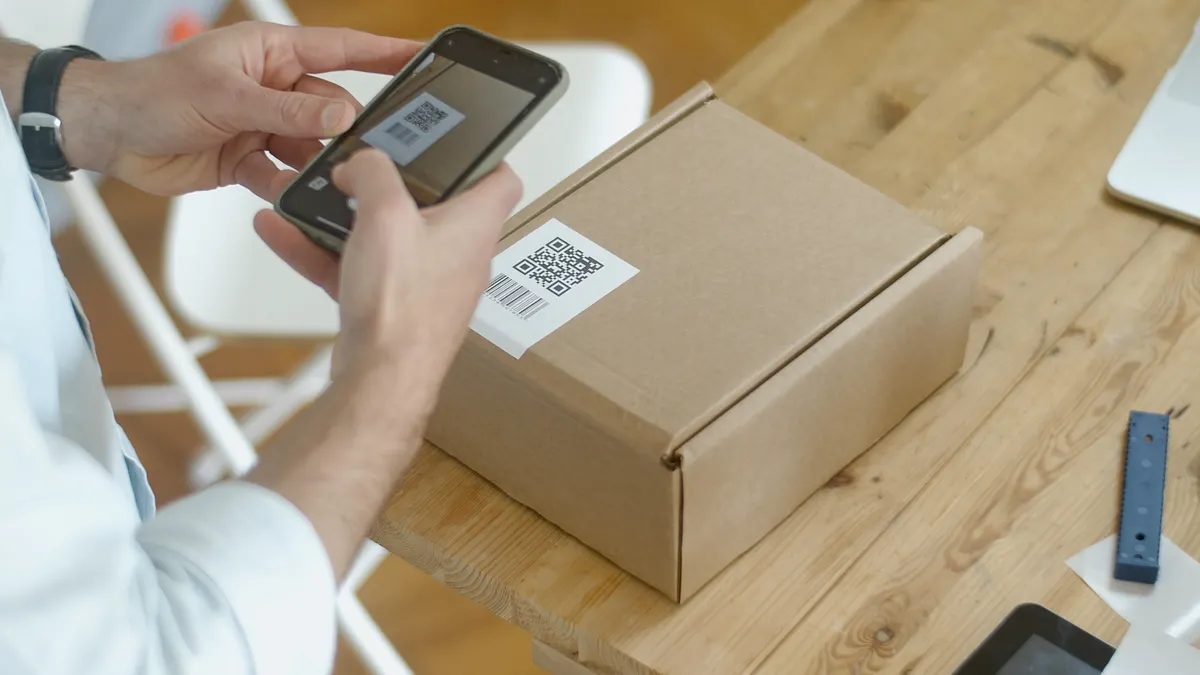
Picture this: you’re at a counter, a friend sends a payment request, or a code is taped to a checkout sign. You want to pay in under a minute, but you also don’t want to send money to the wrong person. The safest move is to check the payment destination, the merchant identity, and the request details before you tap anything.
A QR code is just a shortcut. It can open a real payment request, a wrong merchant page, or a link that tries to send you somewhere else first. That means the code itself is not the whole story. The result matters.
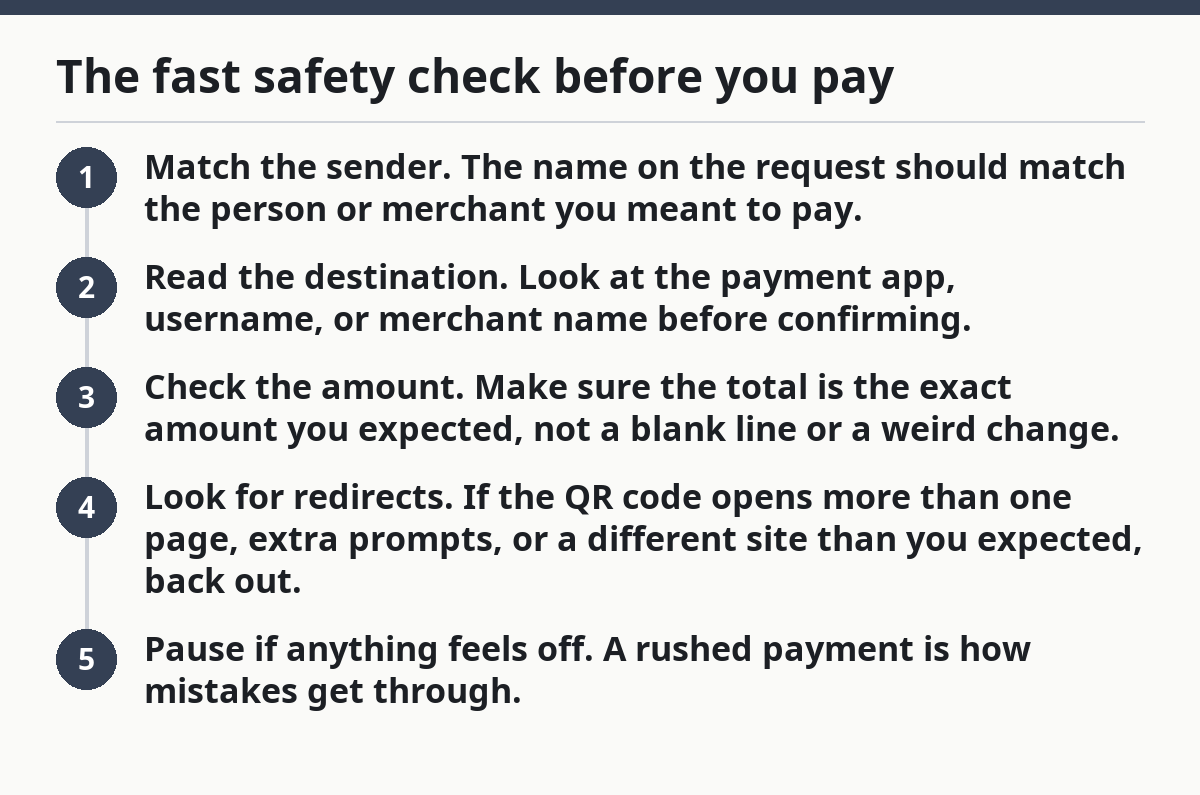
Use this quick order of checks:
- Match the sender. The name on the request should match the person or merchant you meant to pay.
- Read the destination. Look at the payment app, username, or merchant name before confirming.
- Check the amount. Make sure the total is the exact amount you expected, not a blank line or a weird change.
- Look for redirects. If the QR code opens more than one page, extra prompts, or a different site than you expected, back out.
- Pause if anything feels off. A rushed payment is how mistakes get through.
You do not need expert skills for this. You need 20 seconds of attention and a habit of checking the same fields every time.
What a safe QR code payment request should show
A safe QR code payment request should clearly show who gets the money, how much you’re sending, and where the payment is going. If any of those parts are vague, you have a reason to slow down.
A real payment request usually shows a merchant name, a personal handle, or a business profile in the payment app. It should not hide behind a random URL, a shortened link, or a page that only says “scan to pay” with no context. On a phone, that missing context is the problem.
Look for these details on the screen after the scan:
- Merchant or sender name you recognize
- Exact amount you expected to pay
- Payment app name or platform you intended to use
- Item, bill, or note that matches the reason for the payment
- No surprise request for sign-in, shipping, or extra personal data
A good payment request feels boring. It shows the same business name you saw on the sign, receipt, menu, or message thread. It doesn’t make you guess who will receive the money.
Here’s the catch: a QR code can be printed correctly and still point to the wrong place. That’s why the display after scanning matters more than the sticker itself.
Common red flags include:
- A merchant name that’s close, but not exact
- A payment handle with extra letters, numbers, or shows you didn’t expect
- A request that says “pending” or “unverified” when you expected a normal checkout
- A code that leads to a page with payment options you never asked for
If you can’t match the destination to a real seller or known person in under a minute, don’t treat it as safe. If you still are not sure, ask a trusted adult, the merchant, or the payment app’s support before you continue.
How do you check the payment destination after scanning?
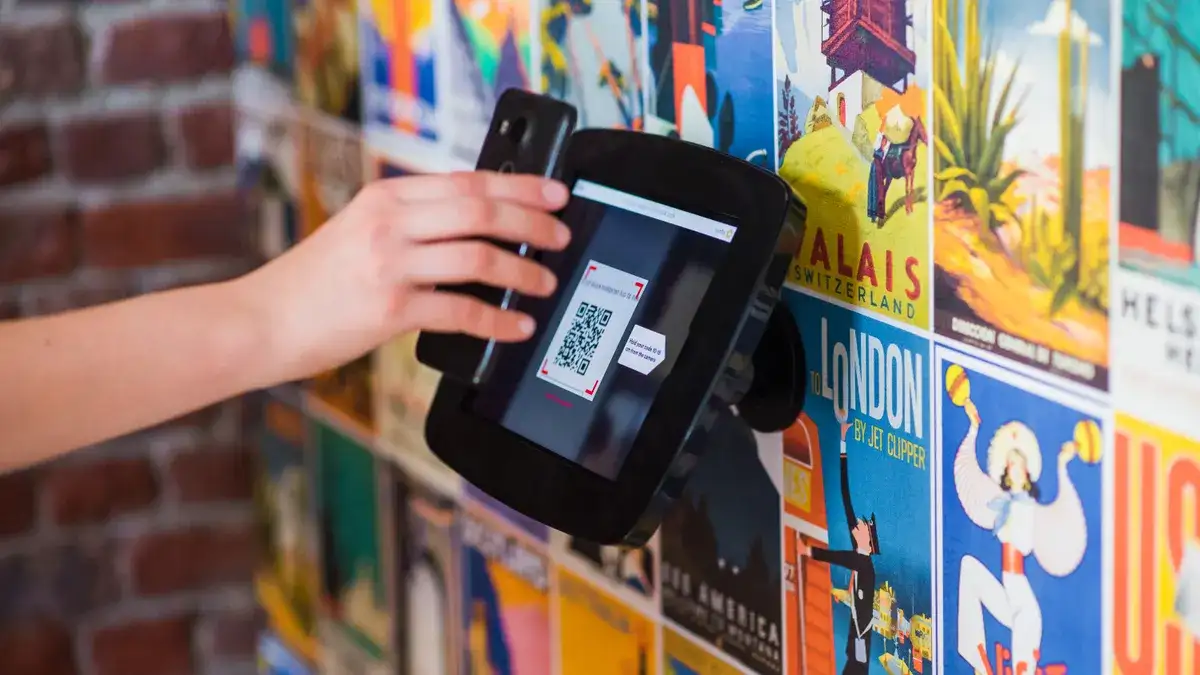
You check the payment destination by reading the recipient name, app, and account details on the confirmation screen before you approve the transfer. That step matters more than the QR code itself, because the code can send you to the wrong recipient in one scan.
Picture this: you scan a code at a food truck, then the screen shows a personal handle instead of the truck’s business name. Or the name is close enough to look right at a glance. This is where teens get tripped up. The screen looks official enough, so they tap first and think later.
Use this 4-step check every time:
- Open the scan result, but do not pay yet. Stop at the review screen.
- Read the recipient line aloud. If you can’t say who gets the money, don’t send it.
- Compare it to the real-world source. Match the name on the screen with the sign, text thread, invoice, or cashier.
- Check the app or platform. Make sure it’s the payment app you expected, not a random browser page or new service.
A real merchant should have a stable name, not a string of numbers or a user name that looks copied from someone else. A peer-to-peer payment to a friend should show the same friend you intended, not a similar name from your contacts.
One clean trick helps: ask yourself, “If this payment disappeared, who would I call?” If you don’t know the answer in 5 seconds, you haven’t verified the destination yet.
Why redirect risk matters on a scanned link
Redirect risk matters because a scanned link can send you through another page before you even reach the payment request. That extra hop is where a fake merchant page, a copied checkout page, or a wrong destination can hide.
A QR code on its own doesn’t prove much. The scanned link is what counts. If the link opens a browser, then bounces to another site, or asks you to keep tapping through pages you didn’t expect, that’s a warning sign. Real payment flows are usually short and direct.
Watch for these patterns:
- Multiple jumps between pages
- A domain name that doesn’t match the merchant
- A page that asks you to choose between payment methods you were never offered
- A screen that looks like checkout, then suddenly changes the recipient
- A prompt that asks for more data than a simple payment should need
The main risk is not just fraud. It’s also confusion. A teen rushing to pay for a ride, game item, lunch, or ticket may miss a redirect and end up approving the wrong request.
A safe QR payment flow usually has a short path: scan, review, confirm. If the path feels like a maze, that is not normal.
Peer-to-peer payments need extra care
Peer-to-peer payments need extra care because the sender and receiver often know each other, and that makes people relax too soon. A friend request can still be wrong, and a familiar name can still point to the wrong handle or account.
Picture this: your friend says, “Just scan this,” and sends a code in a chat app. You trust the person, so you stop checking. That’s the mistake. Trusting the person is not the same as checking the destination on the payment screen.
For peer-to-peer payment requests, check these items:
- The displayed name matches the friend you mean to pay
- The handle or username matches the one in your message thread
- The amount matches what you agreed on
- The note matches the reason for the payment
- The request came from the same app or contact you expected
If a friend asks you to use a different account name than usual, treat that as a problem, not a small detail. If the app shows a payment request from someone with a similar name, stop and verify by text, call, or an in-person check.
This matters even more with split bills, gaming trades, concert tickets, and quick repayments. Those are the moments when people send money fast because everyone is watching. Fast is the enemy of safe.
A safe peer-to-peer payment request is one where the name, handle, and amount all line up without any extra explanation.
What to do when the code looks off
If the code looks off, don’t pay until the merchant or sender can prove the destination in a way that matches the payment screen. That’s the point where hesitation saves money.
Picture this: the code is taped crookedly over an older sticker, the name is misspelled, or the checkout page shows a different business than the sign on the wall. You do not need to become a detective. You only need to stop the payment and ask one clear question: “Who gets this money?”
Use this simple response:
- Ask for the merchant name or payment handle again
- Compare it with the screen, not just the sticker
- Ask for a different payment method if the request seems unstable
- Wait if the seller pressures you to hurry
- Use cash or another trusted method only if the situation is normal and allowed
A fake or sloppy payment request often tries to create urgency. “The line is long.” “This only works right now.” “Just scan and go.” That pressure is part of the problem. A real payment request does not need panic.
If the request is from someone you know, a second check is still smart. A second text message or a quick verbal confirmation can stop a simple mix-up before it becomes a lost payment.
The safe habit to use every time
The safest habit is to check the name, amount, and destination on the screen before you pay, every single time. That habit works better than trying to remember which QR codes are “probably fine.”
Picture this: you’re tired, the room is loud, and your thumb is already over the confirm button. That is the exact moment to slow down for 10 seconds. The screen needs one final look, not a guess.
Use this final routine:
- Scan the QR code.
- Read the payment request.
- Match the recipient name to the merchant or person you expected.
- Check the amount.
- Look for a redirect, a strange link, or a different site.
- Only then confirm.
A teen who uses this routine will miss fewer bad requests and make fewer accidental payments. That is the real goal. Not perfect tech knowledge. Just a repeatable check that catches the obvious traps.
For more on staying safe with money apps, the hub on teen online money safety and scam prevention brings the bigger picture together without guessing at each risk.
Are qr code payment requests safe?
They can be safe if the recipient name, amount, and payment destination match what you expected. A QR code itself does not prove safety. The screen after the scan matters more than the code on the sign or in the text message.
What should i check before scanning a payment qr code?
Check who is supposed to get the money, what amount you should pay, and whether the QR code is tied to the real merchant or person. If the code looks pasted over, copied, or rushed, treat it carefully. If you are not sure, ask a trusted adult or the merchant before you scan. After scanning, confirm the destination before you tap pay.
Can a qr code send me to a fake payment page?
Yes, a QR code can lead to a fake payment page or a redirected link that looks real at first. That’s why the post-scan screen matters so much. If the page changes sites, asks for extra steps, or shows a different recipient, stop before paying.
Drafted with AI; not yet reviewed by a person.