Last updated: November 19, 2026
Quick Answer: Teens can transfer money between accounts in seconds to 1 to 3 business days, depending on whether the transfer is internal, linked, or external. The exact method depends on the teen’s bank account, what accounts are linked, and whether the transfer stays inside one bank or moves to an external bank.
Teens can transfer money between accounts by using a bank app, a debit card, or a linked account that allows a money transfer. The exact method depends on the teen’s bank account, what accounts are linked, and whether the transfer stays inside one bank or moves to an external bank.
How teens transfer money between accounts
Teens can transfer money between accounts through a bank app, a linked account, or an external transfer setup that the bank allows. The fastest way is usually an in-app transfer between linked accounts. If the teen’s checking account and another account are already connected, the transfer often finishes right away or within a few minutes, though some banks still show it as pending until the next business day.
Here is the basic process for a teen who already has access to a bank app and both accounts are eligible for transfers:
- Open the bank app and sign in to the teen’s account. Look for a menu labeled “Transfer,” “Move Money,” or “Payments.” That takes the teen to the money transfer screen.
- Choose the account to send money from, such as a teen debit card-linked checking account. Then choose the account to receive it. If the bank has both accounts under one profile, the list usually appears on the same screen.
- Enter the amount. Many banks use whole dollars, but some accept cents too. If the balance is low, the app may warn the teen before the transfer posts.
- Select the transfer speed. An instant transfer may post in seconds or minutes if the bank supports it; a standard transfer may take 1 to 3 business days.
- Review the details and confirm. The app should show the source account, destination account, amount, and expected timing before the teen taps submit.
This method is best when both accounts are already linked and the teen only needs to move money inside the same bank or between supported accounts. It is not the right choice if the teen is trying to send cash to a friend, replace a lost debit card, or move money to an account that is not connected yet.
For a broader overview of account features, the hub on teen banking and spending accounts can sit above this topic. This page stays focused on the transfer itself.
How do teens move money in a bank app?
Teens move money in a bank app by choosing the transfer tool, picking the source and destination accounts, and confirming the amount. A bank app usually gives the clearest picture of what is happening because it shows the account name, last four digits, and transfer status in one place.
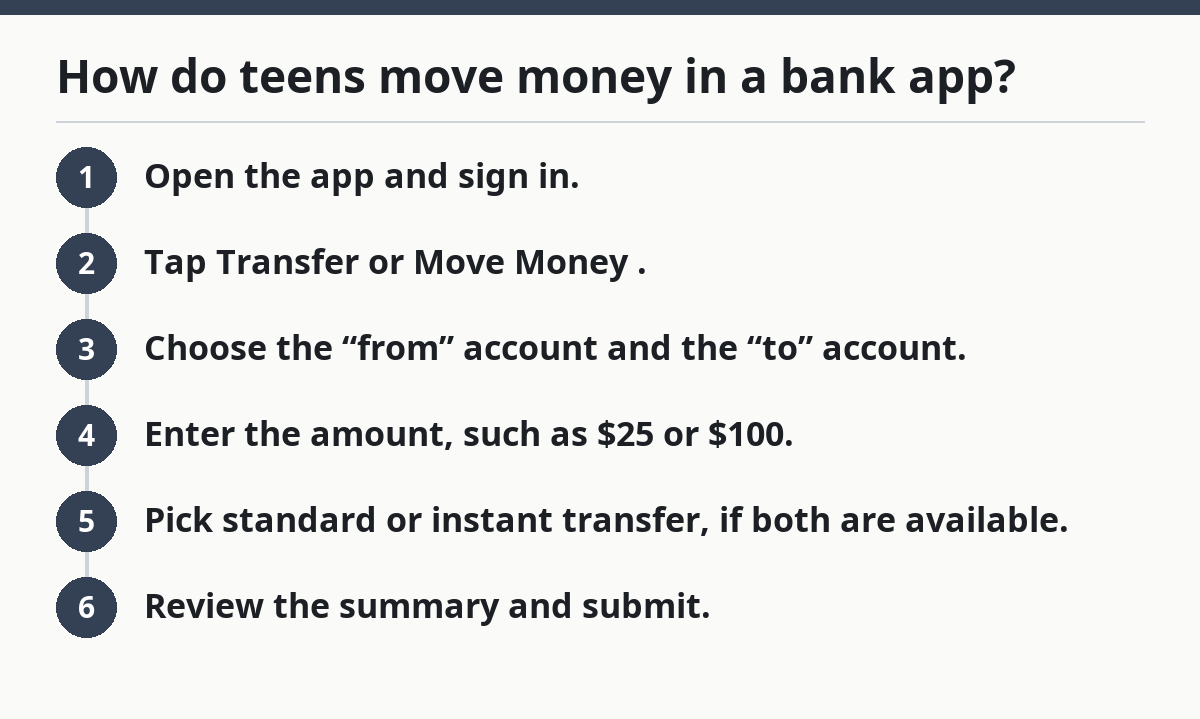
The usual path looks like this:
- Open the app and sign in.
- Tap Transfer or Move Money.
- Choose the “from” account and the “to” account.
- Enter the amount, such as $25 or $100.
- Pick standard or instant transfer, if both are available.
- Review the summary and submit.
The important part is account selection. A teen might have a checking account, a savings account, and a prepaid or teen debit card account that all look similar in the app. A wrong tap can send money to the wrong place, and some banks treat that as final once the transfer posts. Check the bank’s help pages or contact support if the app does not make the destination clear, because policies can vary by institution.
A bank app also makes it easier to spot limits. Some banks cap the number of transfers per day, the dollar amount per transfer, or the total amount allowed in a 24-hour period. Those limits are not a flaw; they are part of how the account is set up. If a teen hits a limit, the app may block the transfer until the next day or suggest a smaller amount.
For teens, the main advantage of the app is speed. The main drawback is that the app only works with accounts the bank already recognizes. If the other account is at a different bank, the teen may need to link it first or use an external transfer method.
Linked accounts: what they are and why they matter
A linked account is an account the bank has connected so money can move between them without extra setup each time. That link is what makes repeated transfers simple, especially when a teen moves money between a checking account and a savings account on the same banking app.
Linking matters because it changes three things at once:
- Speed: linked accounts often support same-day or instant transfers inside one bank.
- Convenience: the teen does not need to re-enter routing and account numbers every time.
- Control: the bank can apply transfer limits to the linked setup, which may protect against accidental over-transfers.
The trade-off is that linked accounts are only useful if the bank allows the specific pairing. A teen may be able to link two accounts at the same institution but not a third-party account. Some banks also require a small verification step, like confirming a test deposit or approving the link from both sides. That process can take 1 to 3 business days with an external bank transfer, even if the app itself looks quick.
If the teen wants to move money between accounts held at the same bank, linked accounts are usually the cleanest option. If the accounts are at different banks, the phrase still matters, but the transfer may rely on ACH network rules rather than an immediate in-app move. That is where timing changes most.
A linked account is not the same as a debit card. A debit card lets the teen spend money from an account; it does not automatically create a transfer path between accounts. The app can use the card for purchases, ATM withdrawals, or verification, but the transfer itself still depends on the bank connection.
Can teens transfer money to another bank?
Yes, teens can transfer money to another bank if the bank account allows an external bank transfer and the receiving account is linked or verified. That usually happens through ACH, which is the standard system most U.S. banks use for electronic transfers between institutions. For a basic overview of ACH timing, the Federal Reserve’s ACH resources are useful.
An external bank transfer usually takes longer than an internal one. Standard timing is often 1 to 3 business days, but the bank sets the actual schedule. Weekends and holidays usually do not count as business days, so a Friday transfer may not move until Monday or Tuesday. Instant transfers may exist in some apps, but they are not universal, and they may come with a fee or a lower transfer limit.
A teen usually needs three pieces of information for an external bank transfer:
- the routing number of the receiving bank
- the account number
- the account type, such as checking or savings
Some banks also ask the teen to verify ownership before the first transfer goes out. That may involve a small trial deposit or confirmation through the linked bank app. This step can feel slow, but it helps prevent sending money to the wrong place.
The drawback of external transfers is timing. The money may show as “pending” before it settles, and the teen cannot always spend it right away. That matters if the transfer is meant to cover a bill, a ride, or a purchase on a specific day. If the timing matters more than the destination bank, an instant transfer inside the same bank is usually the better fit.
This is the point where many generic guides get vague. “Transfer money” is not one thing. Internal transfers, linked-account transfers, and external bank transfers all use different rails, and the speed can change by several days.
What transfer limits and timing should teens expect?
Teens should expect transfer limits and timing rules that depend on the bank, the account type, and whether the transfer is instant or standard. Those limits are often the reason a transfer fails even when the app looks fine.
The most common limits include:
- a cap per transfer, such as one maximum amount
- a cap per day or per 24 hours
- a cap on the number of transfers in a day or month
- a lower limit for external transfers than for internal ones
The timing rules are just as important. A transfer marked “instant” may complete in seconds or minutes, but that does not mean every bank offers instant movement for every account type. Standard transfers often take 1 to 3 business days. Some banks post transfers after a cutoff time, so a request made late in the day may not start until the next business day.
A teen should also watch for status labels. “Pending” means the transfer has been submitted but has not fully cleared. “Scheduled” means the bank has queued it for a future date. “Completed” means the money has arrived in the destination account and should be available there, subject to any bank-specific holds.
The cost of ignoring limits is simple: a transfer gets rejected, delayed, or split into smaller pieces. If the app allows it, the teen can try a smaller amount or wait until the limit resets. If the bank offers both standard and instant transfer, check whether instant has a lower ceiling before assuming it will work for the full balance.
This is also where teens should slow down and read the confirmation screen. A 30-second check can prevent a 3-day delay.
Mistakes that cause failed teen money transfers
The most common mistake is choosing the wrong destination account, and the cost can be sending money to the wrong place or waiting days to reverse a transfer. The fix is to confirm the last four digits and the account nickname before tapping submit.
Another common mistake is assuming all transfers are instant. That can lead to a late payment or an empty balance when the money has only been scheduled, not completed. The better move is to check whether the app says “instant,” “same day,” or “1–3 business days” before counting on the money.
A third mistake is using an external transfer for a same-day need. External bank transfers often depend on ACH timing, so a transfer started on Friday may not settle until early next week. If the teen needs money available today, an internal transfer or instant transfer inside the same bank is the safer choice.
A fourth mistake is hitting a transfer limit without noticing. That can happen when a teen tries to move a larger amount, such as $500, after several smaller transfers earlier in the week. The app may reject the request or ask the teen to wait. The fix is to check the bank’s transfer rules before moving money in several chunks.
A final mistake is treating the debit card as a transfer tool. A debit card is for spending and ATM use; it does not replace a linked account transfer. If the goal is to move money from one account to another, the app’s transfer function is the right tool. If the bank’s instructions are unclear, it is worth checking with customer support before trying another method.
If the transfer involves a large balance, a disputed transaction, or an account mismatch, contact the bank directly. That is a financial issue, not a guessing game, and a bank representative can confirm what the app cannot.
The safest simple routine for a first transfer
A sensible routine is to start with a small transfer, such as $5 or $10, then confirm it landed before moving a larger amount. That approach gives the teen a clean test of the bank app, the linked account, and the timing without risking the full balance.
Use this order:
- Open the app and check the source and destination accounts.
- Send a small amount first, like $5.
- Wait for the status to change from pending to completed.
- Confirm the money appears in the receiving account.
- Move the rest only after the first transfer is clear.
This method is useful for a first-time linked account transfer or an external bank transfer. It is less useful for a same-bank instant transfer that already has a history of working, but even then, a small test can save a headache if the teen is unsure which account is which.
The downside is obvious: it takes longer than moving the full amount at once. That is the price of avoiding a mistake that could take 1 to 3 business days to untangle. For a teen learning how a money transfer works, the slower route is usually the smarter one.
Key takeaways
- Teens can transfer money through a bank app, a linked account, a debit card setup, or an external bank transfer.
- Internal transfers are usually faster than external ones, and instant transfers are not guaranteed on every account.
- Transfer limits, account links, and bank timing rules matter as much as the amount itself.
- The easiest first move is a small test transfer, then a larger one after it clears.
- If the transfer involves the wrong account, a large balance, or a delay that does not make sense, the bank should answer it directly.
How long do teen bank transfers take?
A teen bank transfer can take seconds, minutes, or 1 to 3 business days, depending on the bank and the transfer type. Internal transfers inside one bank are usually the fastest, while external bank transfers commonly take longer because they use standard bank processing timing. For a bank-by-bank explanation of transfer availability, check the account’s disclosure pages.
Can teens transfer money to another bank?
Yes, teens can transfer money to another bank if the account allows external transfers and the receiving account is linked or verified. The teen usually needs a routing number and account number, and the transfer may take 1 to 3 business days to settle.
What is a linked account transfer?
A linked account transfer is a transfer between accounts that the bank has already connected in its system. That connection lets money move without re-entering the bank details every time. It is often the simplest way to move money between a teen checking account and another account at the same bank.
Drafted with AI; not yet reviewed by a person.